Navigation
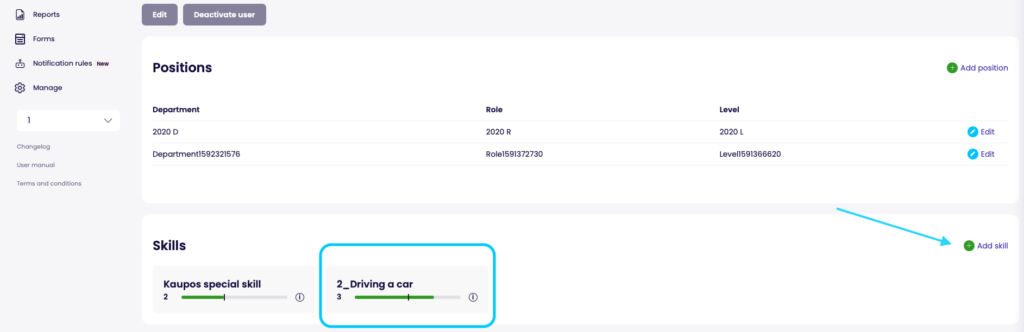
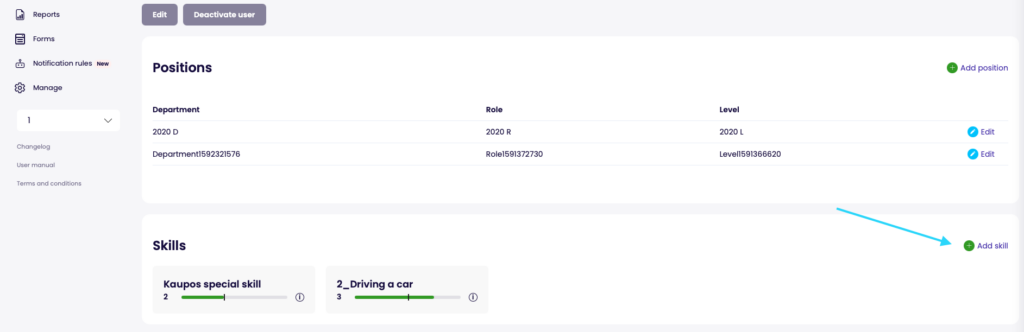
Navigation path: Navigate to “Employees” and select a specific user. Then you will find the skills section in the user card
User assessment
- User skills can be assessed by admin users only currently
- To assess a users skill level, click on the “Add skill” button in the skills section of user card
- Each assessment needs to include the skill and the obtained proficiency
- IF the required proficiency is not set on the skill itself then the required proficiency level also needs to be set for the individual user
- To change already given assessment just click on any existing skill assessment entry on the user.
- Removing a skill can be done from the same flow